
PP Packaging Pails
PP Packaging Pail Printing and Label Artwork: A Buyer Preparation Guide
A practical B2B guide to preparing print, label and artwork details for PP packaging pail samples and quotations.
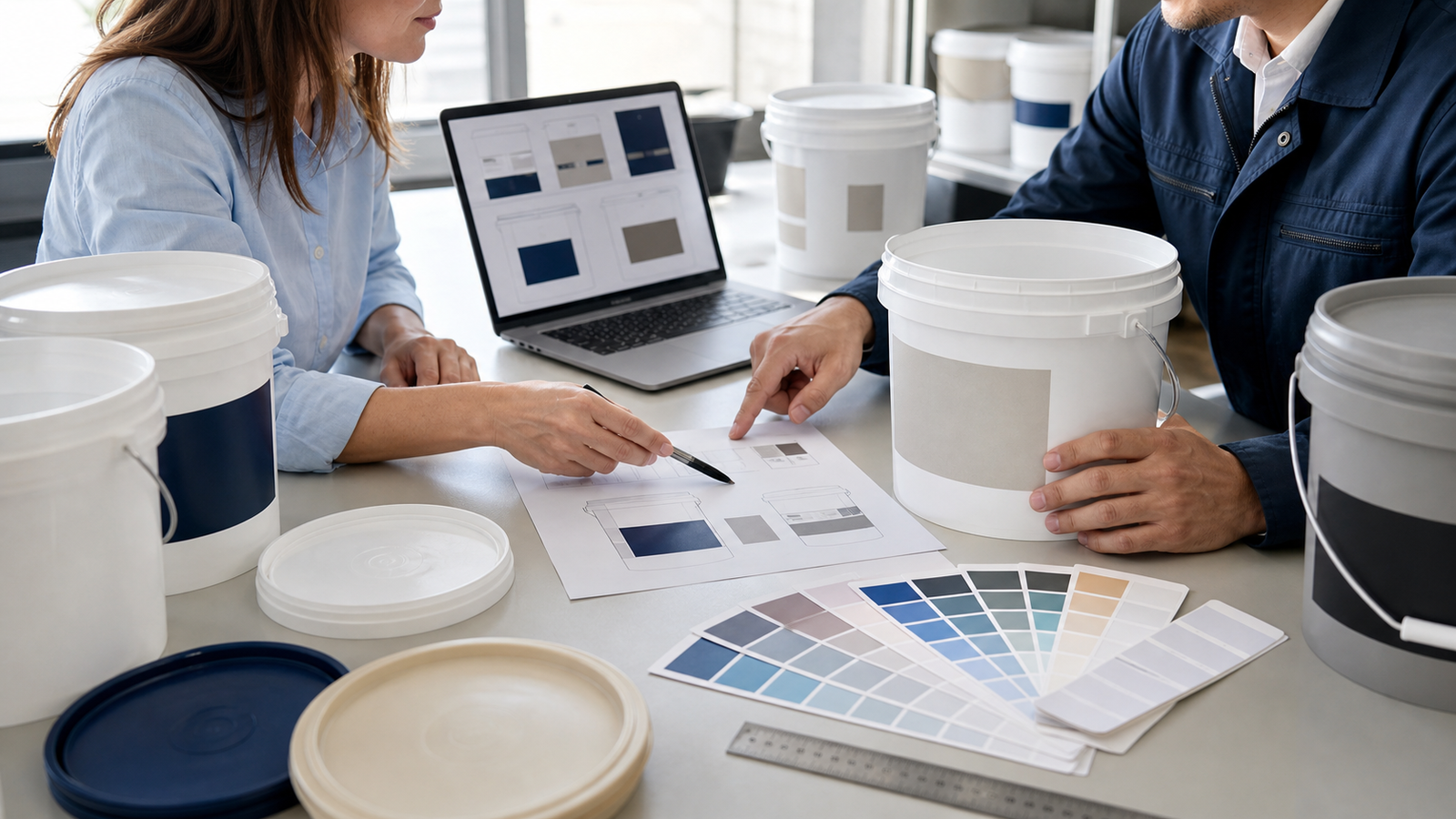
Before requesting a decorated PP pail quotation, identify the exact pail and lid, decoration method to be evaluated, artwork dimensions, colour references, print or label position, required variable information, file version and approval process. Ask the supplier to confirm feasible areas and file requirements rather than assuming that a flat drawing will transfer unchanged to a tapered container.
Artwork is often treated as the last step in a packaging inquiry. For overseas buyers, however, unclear decoration instructions can make quotations difficult to compare and samples difficult to approve. A useful request connects the artwork to a specific pail, an intended viewing direction and a controlled file version.
This guide focuses on the information purchasing, design and packaging teams can prepare. It does not assume a printing process, colour tolerance or label material that the supplier has not confirmed.
Start with the exact pail configuration
State the product page, model reference or approved sample reference. Include the lid and handle colour if they form part of the visual presentation. Capacity alone is not enough: wall shape, rim features and handle attachment points can affect the available decoration area.
Ask which decoration methods are available
Describe the desired result and ask the supplier which printing or labeling route can be offered for the selected pail. Do not write a method into the purchase specification until feasibility, artwork format, sampling route and commercial conditions have been confirmed.
- Direct printing or another supplier-confirmed decoration option.
- Pressure-sensitive label or other label construction for evaluation.
- Single panel, multiple panels or wraparound appearance.
- Decoration on the pail body, lid or both.
Define the artwork area and viewing direction
Request a supplier drawing or confirmed maximum artwork area for the exact pail. Mark the front panel, the relationship to the handle and the intended upright viewing direction. If several designs share one pail, list each version separately.
Avoid scaling artwork from a website photograph. Curvature, taper and moulded features can change how a design appears on the physical container.
Prepare controlled artwork files
Send editable source files only in formats the supplier confirms, together with a viewable PDF for reference. Convert fonts or include the required font files where appropriate. Link images correctly, identify colour references, and show dimensions in the artwork or an accompanying specification.
| Buyer input | Why it matters | Confirmation needed |
|---|---|---|
| Pail and lid reference | Connects artwork to the physical package | Exact offered configuration |
| Artwork dimensions and position | Defines the intended visual area | Feasible area and placement tolerance |
| Colour references | Creates a shared review point | Available process and approval method |
| Barcode or variable fields | Separates fixed and changing content | Who supplies, checks and applies each field |
| File name and revision | Prevents approval of the wrong version | Version shown on proof and sample |
Separate fixed artwork from variable information
List which elements remain fixed and which may change by product, language, destination or production batch. Clarify whether barcodes, lot information or other variable data are part of the supplier’s scope. The buyer should verify the content and scanability requirements through its own approval process.
Use a clear proof and sample approval sequence
- Supplier confirms the pail, decoration route, artwork area and required files.
- Buyer sends a named and dated artwork revision.
- Both parties review a proof that identifies the same revision.
- A physical decorated sample is evaluated when required.
- Approval records note what passed and which points remain open.
A screen proof can confirm content and approximate placement, but it does not by itself confirm production colour, adhesion, abrasion resistance, compatibility or transport performance. Any required test or acceptance criterion should be stated separately and supported by appropriate evidence.
Artwork checklist for a quotation request
- Exact pail, lid and handle references or sample to match.
- Preferred decoration result and methods to be evaluated.
- Artwork size, location, orientation and number of panels.
- Editable source file plus a viewable reference PDF.
- Colour references and the buyer’s approval method.
- Fixed content, variable fields, languages and barcode responsibility.
- Artwork file name, revision and date.
- Sample or proof requirements and decision owners.
- Quantity, destination, packing and requested delivery terms.
Related Product Pages
Preparing decorated pail artwork? Send LUTOP the pail reference, desired appearance, artwork dimensions, file revision, quantity and destination so the decoration requirements can be reviewed with the quotation.